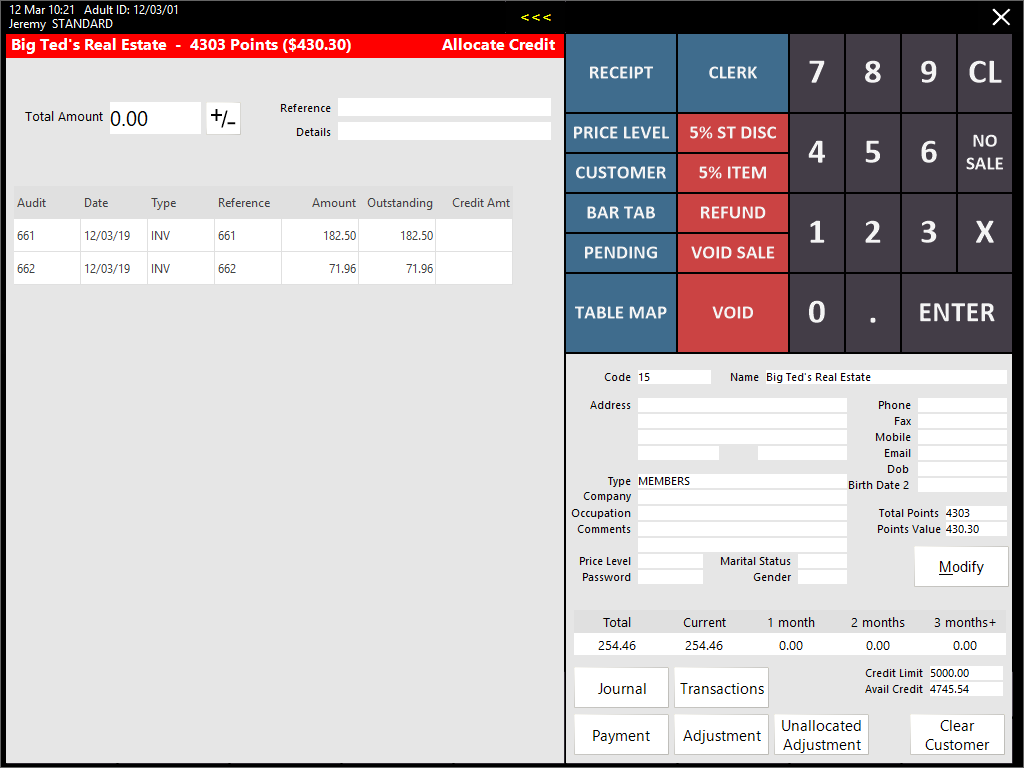
This function can only be accessed by pressing an Account Credit button on the POS Screen.
Available transactions that can be credited will be displayed in the list.
Credit can be applied to each transaction by entering a total amount, or each line can have a figure entered against it.
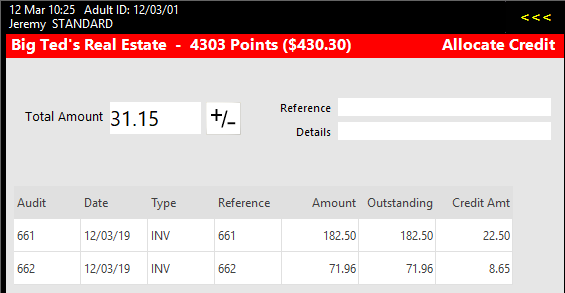
Press Enter and a confirmation window will open to confirm the finalisation of the credit.

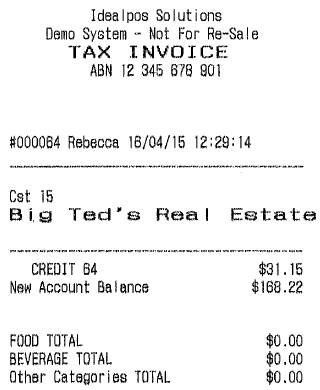
If the Yes/No Option Print Account Payments/Credits/Adjustments to Receipt is enabled, a receipt will be printed with details of the Credit and the new Account Balance.